
Free invoice templates
Seven blank invoice templates, each one downloadable as a Word document, an Excel spreadsheet or a PDF. There is no signup, no email wall and no watermark — the files are the same whether or not you ever come back.
- Word, Excel, PDF
- No signup
- No watermark
Pick a layout
The difference between them is which columns the line-item table carries and what sits in the header. Everything else — the totals block, the payment details, the notes field — is the same in all seven.
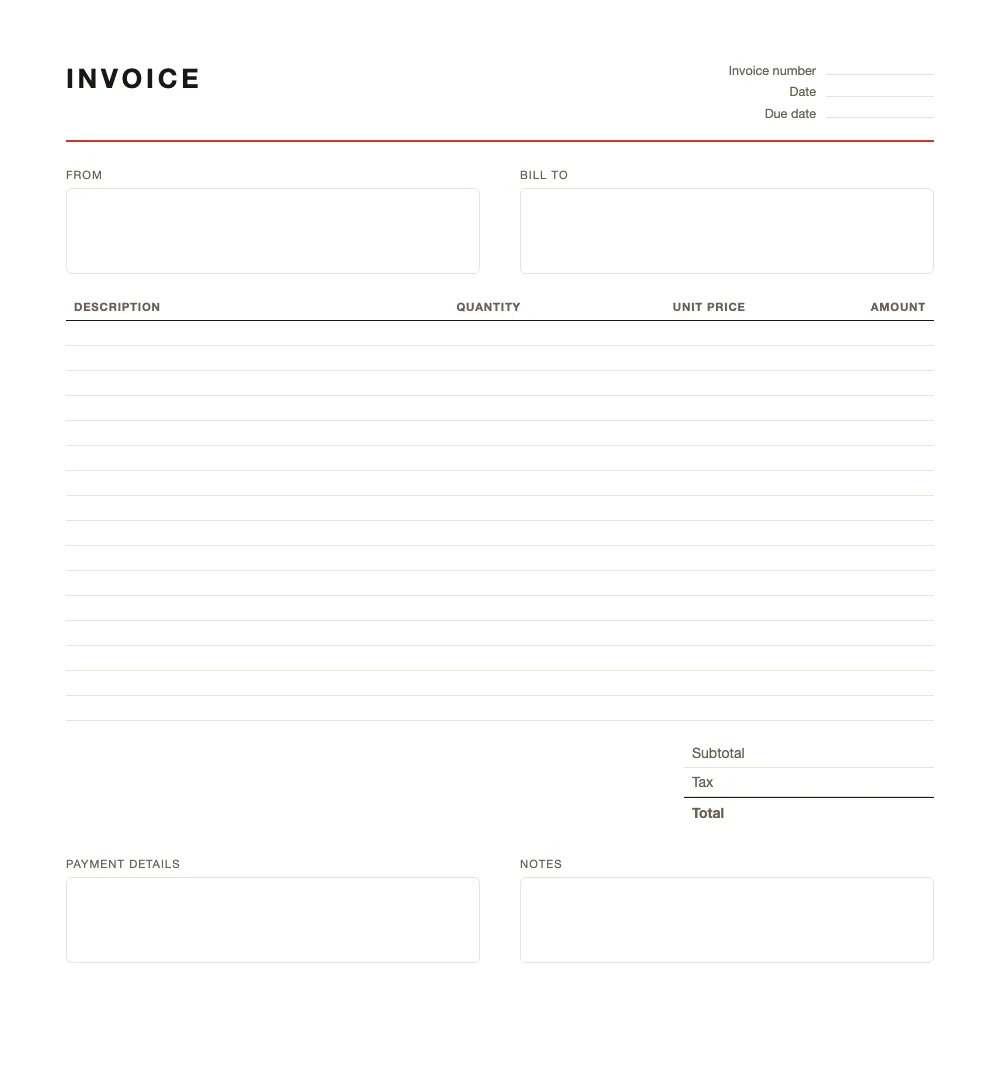
Basic invoice
One job, one price. The shortest thing that still counts as an invoice.
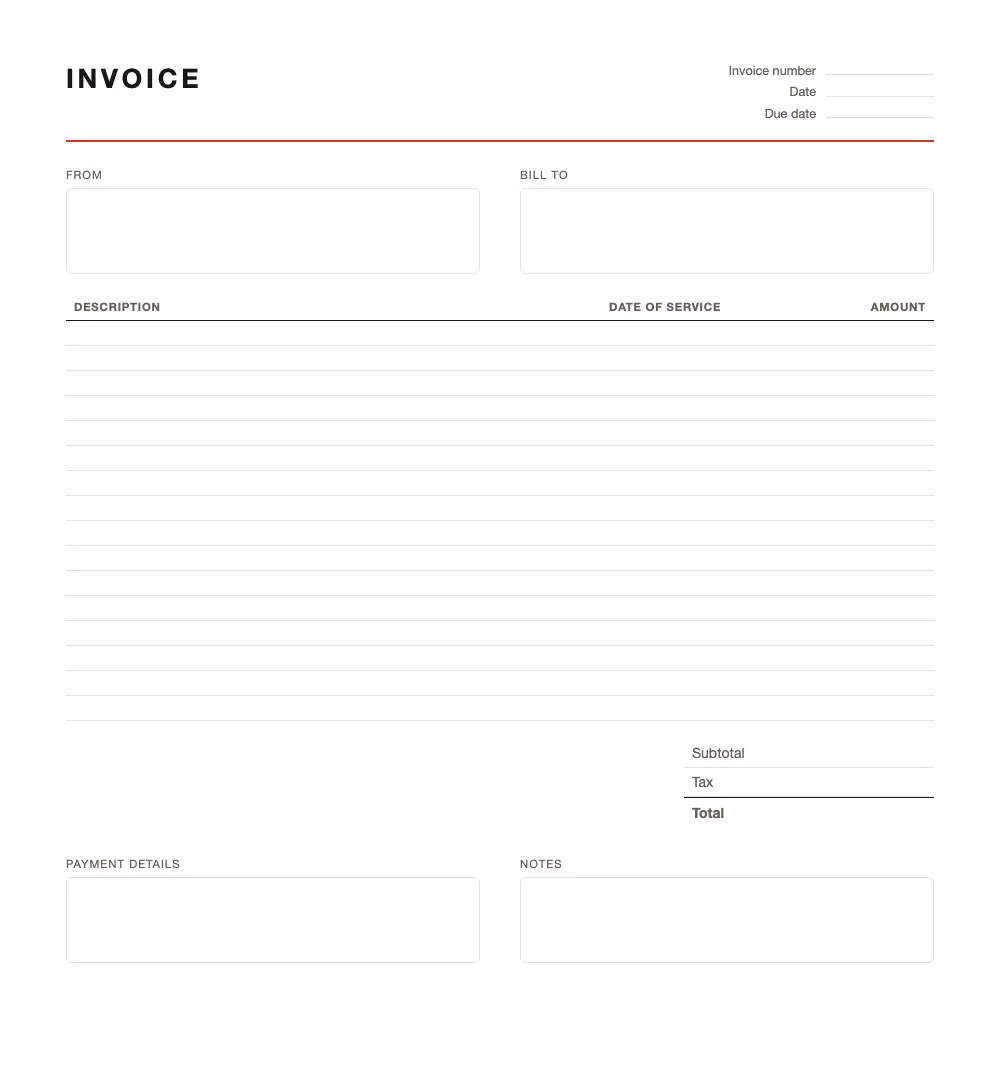
Service invoice
Work billed by the job, with the date each service was delivered.
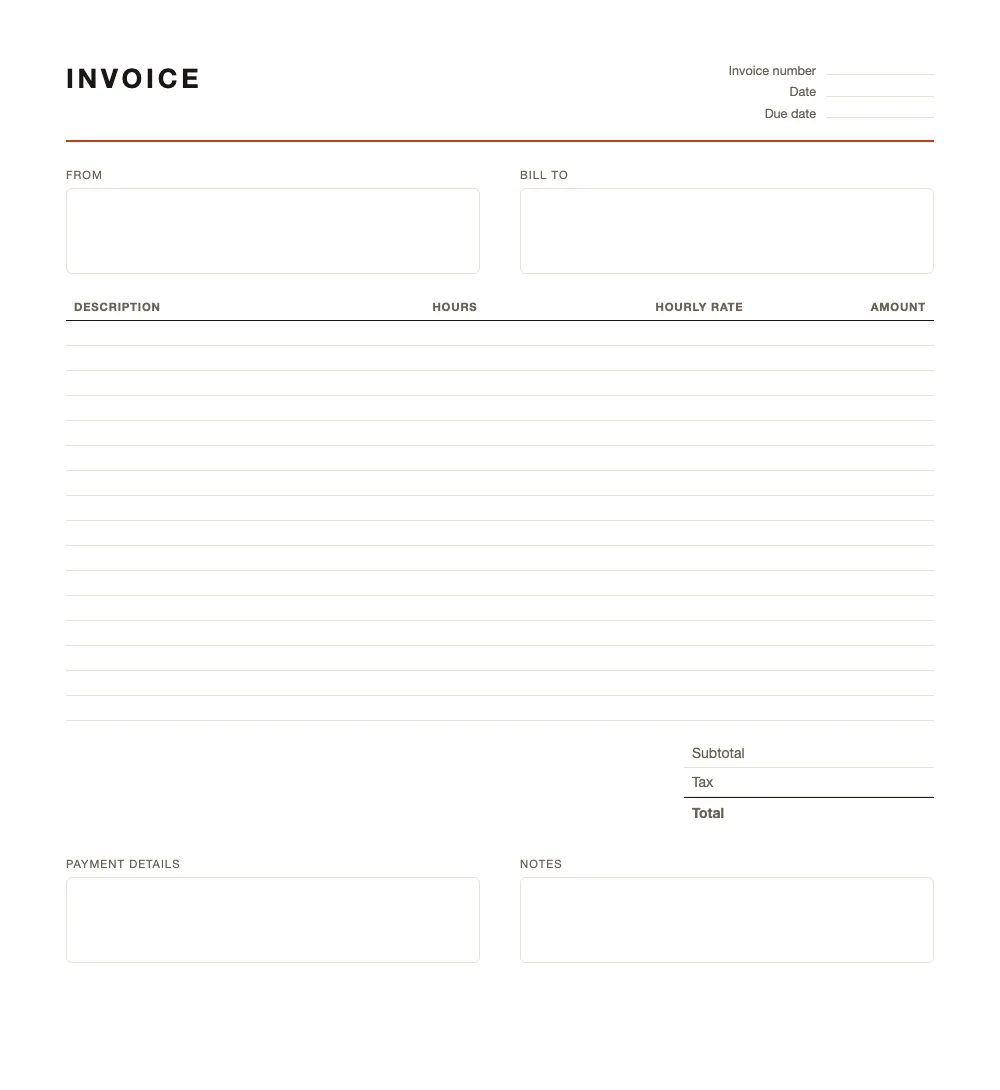
Hourly invoice
Hours times a rate, with the arithmetic already wired up in the spreadsheet.
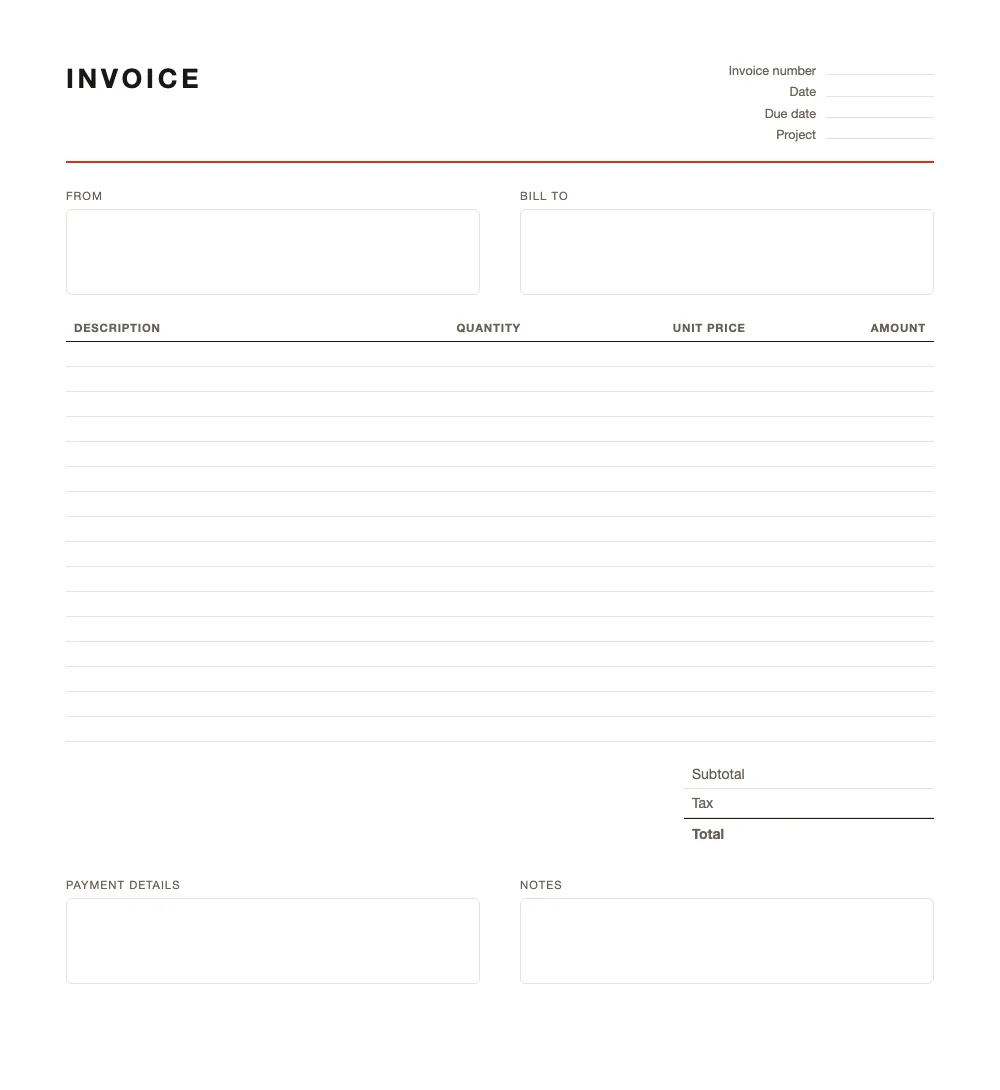
Freelance invoice
Carries a project name, so a client running three of yours can tell them apart.
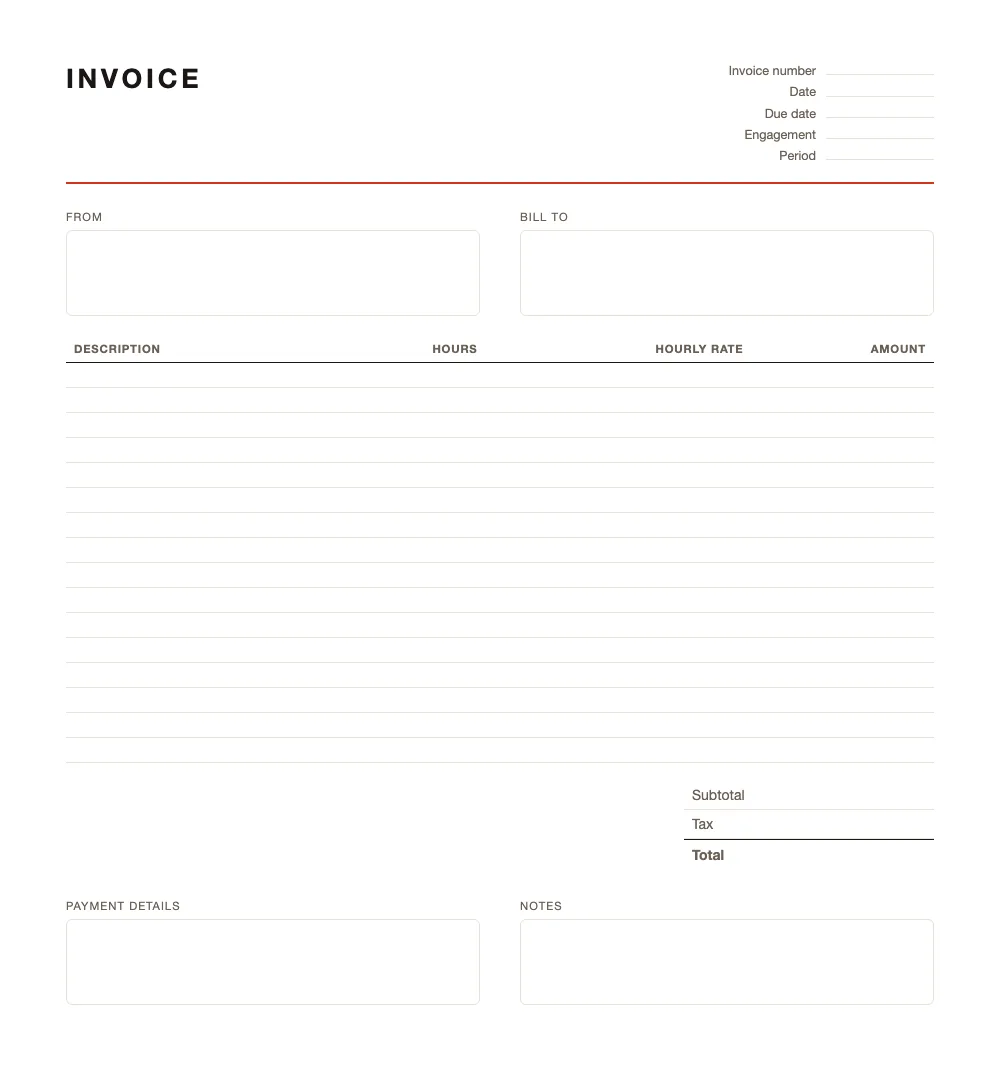
Consulting invoice
An engagement and a period at the top, hours underneath.
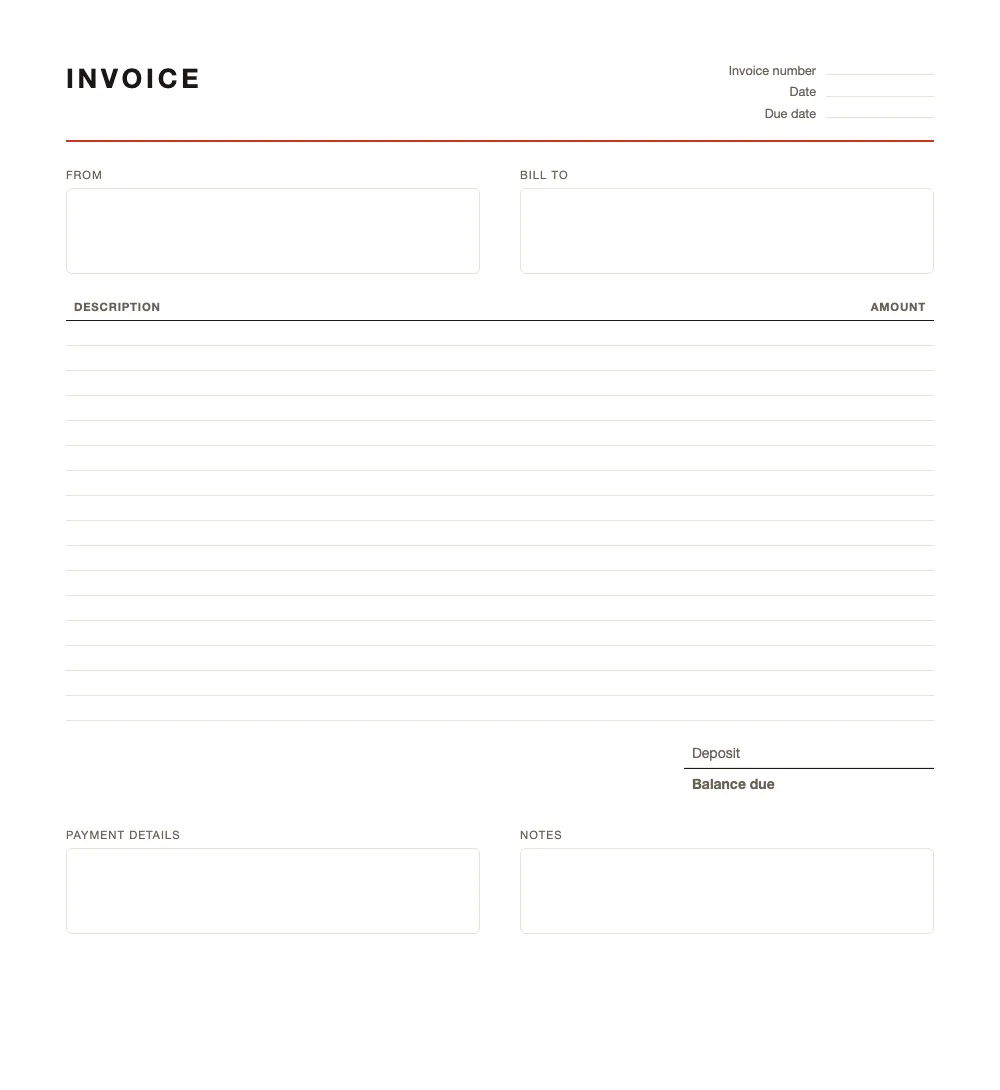
Deposit invoice
Asks for part of the money up front and states what is still outstanding.
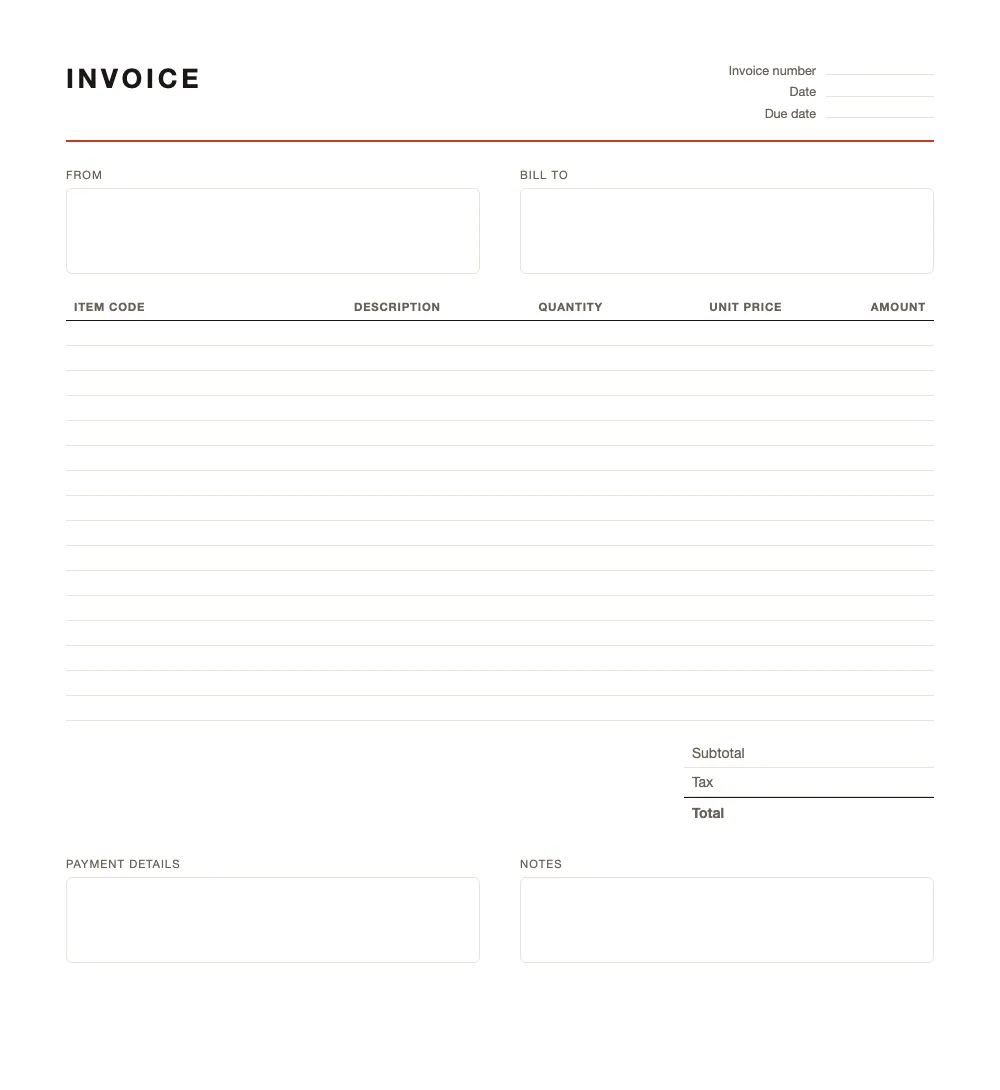
Itemised invoice
An item code column, for anyone billing goods rather than time.
The Excel version totals the amount column for you. The Word and PDF versions do not calculate anything — a PDF is the one to pick if you are printing or filling it in by hand.
To build one from scratch instead, there is a guide to making an invoice in Word and one to making an invoice in Excel. Sending them from a spreadsheet? Here is how to track which invoices are paid in Excel.
Also on GitHub, free to reuseEvery template and the Excel ledger, in seven languages. CC0 — fork them, change them, put them on your own site.
Open on GitHubThey are deliberately empty. No tax rate is filled in, no currency is assumed and no country's rules are baked into the wording, because the right answer to all three depends on who you are invoicing and from where. What you get is the structure; the numbers are yours.
Which one fits how you charge
The layouts differ in one thing: what the line-item table counts. Pick by how you price the work, not by how the page looks — a column you leave empty reads as carelessness to the person who has to pay you.
- Charging for time — take the hourly layout. Hours and rate get their own columns, so a client can check the arithmetic instead of taking your word for the total.
- Charging a fixed price per job — the basic or service layout. Service adds a date per line, which matters when the work happened over weeks and the client has forgotten what was when.
- Selling goods — the itemised layout, for its item-code column. Anyone reconciling your invoice against their own stock records needs that code more than they need your description.
- Working to a project — the freelance layout carries a project name in the header. A client running three of your projects at once cannot tell your invoices apart without it.
- Asking for money up front — the deposit layout states what is being paid now and what is still outstanding, so the balance is not a surprise later.
If none of them is quite right, take the closest and delete a column. Every layout is an ordinary table in Word and Excel — nothing is locked.
Filling one in
Four things decide whether the invoice gets paid on time, and only one of them is the amount.
- Your details and theirs, in full. — A trading name is not enough if the client's accounts payable is matching your invoice against a purchase order. Include the registered name, the address, and whatever tax number applies to you.
- A number that continues your sequence. — This is the one field you cannot improvise. It has to be unique and it has to run in order — a gap invites a question from your tax office that you will have to answer years later.
- Both dates. — The date you issued it, and the date the work was done or the goods were delivered. They are frequently different, and in most countries it is the second one that decides which period the invoice falls into.
- A due date, not a payment term. — "30 days" makes the reader do arithmetic; a date does not. An invoice with a date on it gets chased more easily and paid sooner.
Save your filled-in copy as your own starting point. From then on the only fields that change per invoice are the number, the dates and the lines.
What every invoice has to contain
A blank template will not tell you what your tax office expects, so it is worth knowing before you send anything. Most countries want the same core set:
The exact list is set by national law and the wording matters. Our country guides go through it field by field. Invoicing by country. Numbering, VAT and the rest are in the invoicing guides.
- 01Your business name and address, and your customer's
- 02An invoice number that is unique and runs in sequence
- 03The date the invoice was issued, and the date the work was done
- 04A description of what you supplied, and the amount
- 05Your tax number where you have one, and the tax charged shown separately
Questions
How do I make my own invoice?
Start from a layout that matches how you charge — by the hour, by the job, or by the item — and fill in the header, the line items and the totals. The one part you cannot improvise is the invoice number: it has to be unique and it has to run in order. Everything else on the page is description.
Is there a free invoice template?
All seven on this page are free, and there is nothing to sign up for. They carry no watermark and no branding of ours, so an invoice you send from one looks like it came from you.
What is the best template for creating an invoice?
The one whose columns match what you are actually billing. If you charge by time, take the hourly layout so the rate has a column of its own; if you sell goods, take the itemised one for the item codes. A template with columns you leave empty reads as carelessness to the person paying.
How to create a basic invoice template?
Take the basic layout above and change the parts that are yours — your name and address, your payment details, and the wording of the notes field. Save that as your own starting point and the only thing left to change per invoice is the number, the date and the lines.
These templates are tooling, not tax advice. What your invoices must show is set by the law where you are registered.
Or skip the file entirely
A template is a document you maintain. It cannot number your invoices in sequence, it will not remember a client you billed last month, and nothing in it tells you when an invoice has gone unpaid. If you are sending more than a couple of these a year, the free invoice generator does the same job in the browser and hands you a finished PDF at the end.